Insights on AI,
meetings & work.
Practical articles on AI meeting tools, productivity strategies, and how modern teams work smarter — from the team behind Meetings Brief.
Featured Article
All Articles

How to Transcribe an Interview Recording: Steps and Template
Turn an interview recording into a checked transcript: confirm permission, choose a style, label speakers, resolve uncertain wording and verify quotations.
November 4, 2026
How to Transcribe a Lecture and Turn It Into Study Notes
Record a lecture with permission, transcribe it in your browser, check the technical terms against the slides and turn the text into study notes.
November 4, 2026

How to Transcribe a Webinar: Live or From the Recording
Three ways to get a webinar transcript: the host's own captions, live transcription of the browser tab, or transcribing the recording afterward.
November 4, 2026

How to Make Subtitles for a Video: SRT and VTT Files
Make subtitles for a video: transcribe it, download an SRT or VTT file, check the wording and timing, add sound cues for captions and upload the file.
November 4, 2026

How to Clean Up a Transcript: Fix AI Transcription Errors
Turn a raw AI transcript into one you can trust: keep the original, fix names and numbers while listening, add speakers and mark what you can't hear.
November 4, 2026

Follow-Up Email After a Client Meeting: 3 Templates and Examples
Write a client meeting recap that separates decisions, proposed scope and approvals. Includes three templates, a worked example and a send checklist.
October 24, 2026

Board Meeting Minutes Template: Example and Approval Checklist
Copy a board minutes template, follow a worked example, and check decisions, conflicts, approval and retention against the rules for your organisation.
October 24, 2026
How to Run a Standup Meeting: Agenda, Blockers and Examples
Run a useful standup with a shared work view, clear blocker follow-ups and a short outcome record. Learn how a general check-in differs from a Daily Scrum.
October 24, 2026

One-on-One Meeting Template: Agenda, Questions and Actions
A private shared one-on-one template with both agendas, useful questions, a worked workload example and commitments for managers and employees.
October 24, 2026

How to Prepare for a Meeting: Checklists and Decision Brief
Use separate organiser and attendee checklists, a copyable decision brief and readiness checks for meetings with missing information or decision-makers.
October 24, 2026
How to Record a Meeting on Mac: Audio, Video and Notes
Choose a Mac meeting-recording method, capture both sides of the call, check macOS audio limits, and save a useful video or transcript.
October 14, 2026
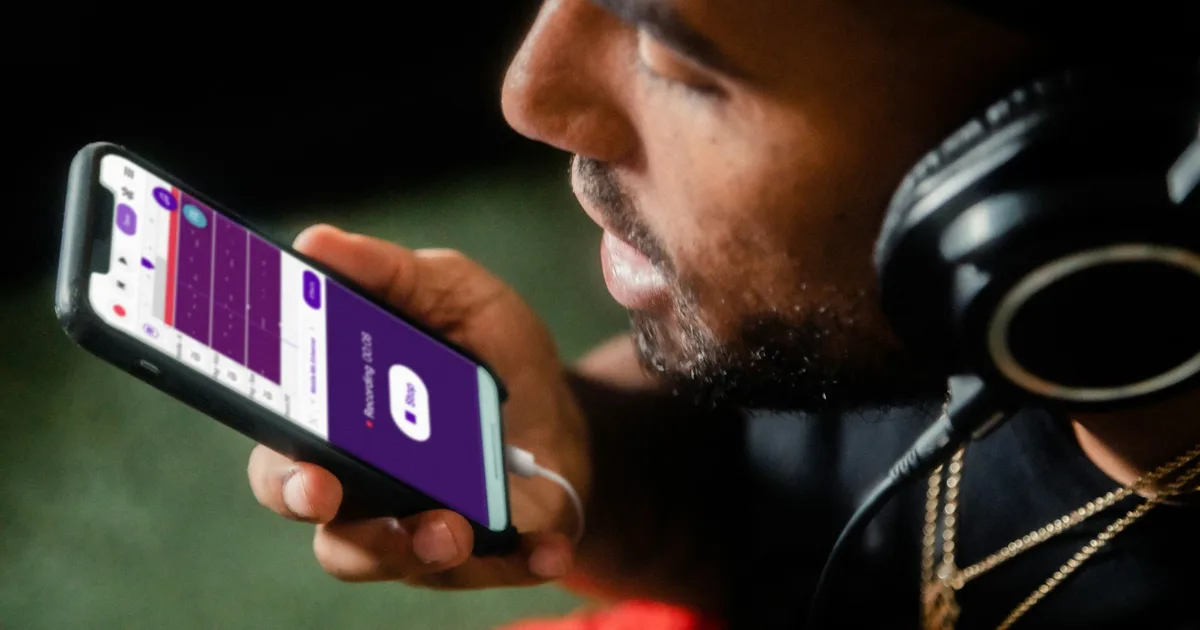
How to Transcribe a Podcast Episode: Text, SRT and Show Notes
Turn a podcast recording into reviewed text, subtitles and show notes. Follow a local workflow, label speakers, and check words, timing and reuse rights.
October 14, 2026

AI Meeting Assistants for Sales Teams: A Practical Guide
Evaluate sales meeting assistants for accurate notes, CRM handoffs and coaching. Use a worked discovery-call example to avoid invented commitments.
October 14, 2026
6 Free Meeting Agenda Templates (Editable Word + Text)
Download six editable meeting agendas with exact timings: standup, one-on-one, client, kickoff, retrospective and leadership. Includes a worked example.
October 14, 2026

How to Share Meeting Notes: Email, Links and Access
Share reviewed meeting notes with the right people. Follow the Meetings Brief email, WhatsApp and document workflow, check access and handle corrections.
October 14, 2026

How to Take Meeting Notes in Google Docs (2026)
Use Google Docs' built-in @Meeting notes, building blocks and smart chips, open our free templates in Docs, or let free AI write the notes. Checked 7 Oct 2026.
October 7, 2026

How to Record a Teams Meeting (and What to Do If You Can't)
Record a Teams meeting in four clicks on a computer or two taps on a phone: who can record, where the file goes, how long it's kept, what to do if you can't.
October 7, 2026

AI Notetaker for Interviews: No Bot, No Audio Upload (2026)
Interview notes without a bot in the call or the audio leaving your computer: consent scripts, two notes templates, and 9 interview notetakers compared.
October 7, 2026

Otter vs Zoom AI Companion: Transcription Compared (2026)
Zoom's transcript needs a paid plan; Otter's free plan stops each conversation at 30 minutes. Prices, bots and privacy checked 7 Oct 2026, plus a no-bot option.
October 7, 2026

Best App to Record Meetings on iPhone: Room, Call or Video
To record meetings on iPhone, use Voice Memos in a room, Call Recording on phone calls, and Zoom or Teams' own recorder on video calls, then export the file.
October 5, 2026
How to Summarize a Long Recording Without Losing the Middle
Summarize a 1- to 3-hour recording without losing the middle: transcribe it, split it into sections, summarize each one, then merge them with a time index.
October 5, 2026

AI Assistant for Remote Teams: Async, Time Zones, Handoffs
Distributed teams can use an AI meeting assistant to catch up people who missed the call, keep a decision record across time zones, and hand off work cleanly.
October 5, 2026

How to Take Notes During a Zoom Call as Host or Participant
See how to take notes during a Zoom call, which 2026 Zoom note features hosts and participants can each use, and how to set up your screen to type on camera.
October 5, 2026
Best Free Transcription App for Meetings: Zoom, Meet, Teams
What Zoom, Google Meet and Teams transcribe free, which plan unlocks each transcript, and what Fathom, tl;dv, Otter and no-bot tools give on free plans.
October 5, 2026

Best Meeting Notes Template (Free) — 5 Formats for Every Meeting Type
The right meeting notes template depends on the meeting — not just how long it is, but what it's trying to produce. Here are 5 free templates and when to use each.
September 19, 2026

How to Write Meeting Minutes Fast: Template + Example
Draft accurate meeting minutes with two templates and a worked example. Match decisions, votes, material reasoning and approval to your governing rules.
September 19, 2026
Free AI Transcription App: What to Look for and What 'Free' Actually Means
Free AI transcription offers range from trials to ongoing plans with limits. Compare transcription minutes, exports, summaries and privacy before choosing.
September 19, 2026

How to Follow Up After a Meeting — The Email, the Actions, and the Timeline
Send a clear meeting follow-up with decisions, agreed actions and open questions. Use an email template, review checklist and contextual timing guidance.
September 19, 2026

Meeting Notes vs Meeting Minutes — What's the Difference and Which Do You Need?
Working notes and formal minutes serve different purposes. Compare the content, review, approval and retention questions without assuming one universal rule.
September 19, 2026

How to Take Meeting Notes That Actually Get Used
Most meeting notes get ignored because they read like transcripts. Here's what to capture, what to skip, and how to structure notes that drive real action.
September 9, 2026

Meeting Recap Template: How to Write One People Actually Read
A meeting recap is only useful if people act on it. Here's a simple, reusable template and the four things every recap must include — written in under five minutes.
September 9, 2026

Automated Meeting Summaries: How They Work and When to Trust Them
Automated meeting summaries save real time, but they make confident mistakes. Here's how AI summarization actually works and what to check before you send the output.
September 9, 2026
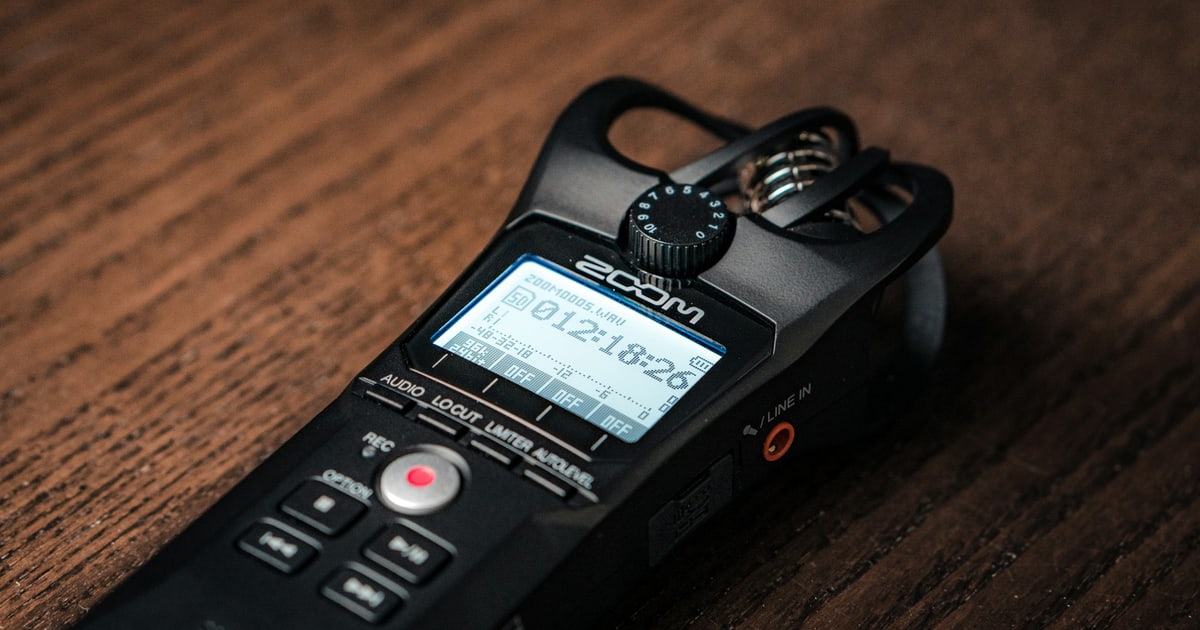
Voice Recorder with AI Summary: What to Look For in 2026
A voice recorder that also summarizes what was said does two different jobs. Here's what separates the ones worth using from the ones that just add steps to your workflow.
September 9, 2026

Conference Call Notes: How to Capture What Matters on a Phone Meeting
Phone and conference calls are harder to document than video meetings — no chat, no screen share, fewer cues. Here's a practical approach that works for any call format.
September 9, 2026

AI Meeting Assistant Privacy: What Happens to Your Audio
Follow audio, transcripts and shared results separately. See what stays on your device, what goes to AI or email providers, and what to ask before a meeting.
August 30, 2026

A Meeting Bot Is a Decision You Make for Everyone Else
Before adding a notetaker, separate capture, processing, sharing and retention. A practical consent conversation for bots and bot-free tools.
August 30, 2026
Free Fireflies Alternatives: What Each One Actually Caps (2026)
Fireflies separates transcription, summaries, storage and advanced AI credits. Compare the free limits and what Pro changes before choosing an alternative.
August 8, 2026

Teams Meeting Transcription: Free Ways That Work (2026)
Why the Teams transcript button is grayed out, which plans include transcription, where the file actually lands — and how to transcribe a Teams recording free when the built-in feature is not available to you.
August 7, 2026

How to Transcribe a Zoom Meeting to Text Free (2026)
Zoom's audio transcription needs a Pro plan or above. Here is what the built-in feature requires, and how to turn a Zoom recording into text free on the Basic plan.
August 6, 2026
Free AI Meeting Assistant With No Signup: What Works and Why It Matters
Start live meeting transcription, transcribe a recording or summarize notes without an account. See first-use setup, optional email delivery and the real limits.
August 6, 2026
Best AI Note Taker for iPhone: 7 Apps Compared (2026)
Finding an AI meeting notes app for iPhone that actually works on iOS — with real voice capture, useful summaries, and action items that survive the commute — is harder than it looks. Here's what to look for.
August 6, 2026
How to Take Meeting Notes on Your Phone: The Complete Practical Guide
Taking meeting notes on your phone doesn't have to mean bad notes. This complete guide covers the right approach — why voice beats typing, how AI changes everything, and a simple before/during/after workflow that works.
August 6, 2026
How Meeting Summary Generators Work, and Which Are Free
A free meeting summary generator does one job: convert a conversation into something you can act on. Here's how they work, what makes them actually useful, and what 'free' really means in 2026.
August 6, 2026
Voice Recorder With Summary: Free, In Your Browser
Recording a meeting is the easy part. Converting a voice note to a useful meeting summary — with owners, deadlines, and clear decisions — is where most workflows break down. Here's the complete process.
August 6, 2026
How to Transcribe a Google Meet Call Free (2026)
Google Meet transcripts need a paid Workspace plan. Here is what the built-in feature actually requires, and how to transcribe a Meet recording free on a personal account.
August 5, 2026

Free Otter.ai Alternatives: What You Actually Get (2026)
An honest look at free Otter.ai alternatives — the real limits on each free tier, which tool fits which job, and when the free plan is genuinely enough.
August 4, 2026
How to Record a Meeting and Turn It Into Real Notes
The problem is never that too little was written down. Capture four things — decisions, commitments, open questions, blockers — and write them so someone who was not there can act on them.
August 1, 2026

A Practical Guide to Persistent Context Workflows
Use this guide to persistent context workflows to retain meeting decisions, track follow-ups, and make every conversation easier to act on every week.
July 24, 2026
How Do AI Meeting Summaries Work? (2026)
AI summaries combine transcription and text generation. Learn how errors arise at each stage and which consequential facts to check against the source.
July 21, 2026

Best Voice Notes Apps for Note Taking (2026)
Seven voice note organizer apps compared — from AI summaries to simple search. Find the one that turns scattered audio into knowledge you can act on.
July 17, 2026

Best Apps for Meeting Recaps That Save Time
The best apps for meeting recaps by workflow — mobile capture, live transcription, team pipelines, sales calls, and active note takers. Find your match.
July 16, 2026

Semantic Search Meeting Notes That Find Answers
How semantic search in meeting notes works — find answers by meaning, not keywords. Retrieve decisions and context from past conversations.
July 15, 2026

How to Organize Voice Notes and Find Them Fast
How to organize voice notes into a searchable, actionable record — not a digital junk drawer. Practical system with folders, tags, and AI tools.
July 14, 2026
AI Meeting Assistant App Review for Busy Teams
Evaluate the complete AI meeting workflow: summary accuracy, corrections, email, saved results and recovery, using a fictional transcript with known answers.
July 13, 2026
Meeting Summaries That People Actually Use
Most meeting summaries fail because they read like records, not tools. Here's what genuinely useful ones include — and how to write them faster with AI.
July 10, 2026
How to Summarize Client Calls Better
How to summarize client calls so every action has an owner, every decision is clear, and nothing slips. A practical guide with templates.
July 9, 2026
Free Voice Note Transcription That Works
Free voice note transcription turns quick recordings into searchable, actionable text. What to look for, where free tools fall short, and what to use.
July 8, 2026

Best Free Meeting Notes App & Software (2026)
Choose a free meeting note workflow for shared agendas, personal notes, transcripts or AI recaps, with a copyable template and practical checks.
July 7, 2026

Record a Spoken Meeting Recap on Your Phone
Record your own spoken recap after a meeting, preserve uncertain details, and turn checked text into an action list. A recap is not a full meeting transcript.
July 6, 2026
AI Meeting Recorder Review: What Matters
A practical recorder evaluation worksheet: test audio sources, first-use preparation, Stop, interruptions and the actual downloaded transcript.
July 4, 2026
Best Apps for Recording Meetings and Conversations (2026)
Ten voice capture apps compared across AI, mobile usability, and privacy — from basic recorders to full meeting intelligence. Here's how to choose.
July 3, 2026
What an AI Meeting Memory Assistant Does
An AI meeting memory assistant preserves context across meetings — past decisions, open follow-ups, and recurring patterns. Here's what to look for.
July 2, 2026

A Practical Guide to AI Meeting Summaries
Check AI meeting summaries against a fictional source and a practical rubric for decisions, reversals, owners, dates, numbers and unresolved questions.
July 1, 2026

How to Summarize Meetings Automatically
Start from a live call, recording or existing notes. Set up an automatic brief, choose email or on-screen results, and recover when a step fails.
June 30, 2026

How to Track Meeting Action Items Better
Tracking meeting action items starts with one owner, one date, and one place to review. Here's how to stop letting follow-ups slip through the cracks.
June 29, 2026

Can AI Summarize Meeting Notes Well?
AI can draft a meeting summary, but important details need checking. Learn what affects the result and how to review decisions, owners and deadlines.
June 26, 2026

Is It Legal to Record Meetings?
Understand the questions behind recording consent, with US statutory examples, a practical notice and guidance on when situation-specific advice is needed.
June 25, 2026

What Makes a Great AI Voice Note App?
A great AI voice note app does more than record — it turns spoken input into summaries, action items, and searchable memory. Here's what to look for.
June 24, 2026

What a Mobile Meeting Assistant Should Do
A mobile meeting assistant captures meetings on the go and turns conversations into summaries and action items — wherever your work actually happens.
June 23, 2026

Best AI Meeting Summary Tool for Busy Teams
Choose an AI meeting summary tool by its input, decisions, action items and retrieval limits. Know what to check before sharing a generated summary.
June 22, 2026
Best AI Meeting Notes App (2026): What Actually Separates Them
Compare capture methods, action items, retention, mobile use and privacy before choosing a meeting notes app. Five questions to test against your own workflow.
June 21, 2026

10 Real Benefits of AI Assistants
AI assistants save time on notes, turn conversations into clear action items, and stop important context from slipping away. Here are 10 real benefits.
June 20, 2026
What Is a Smart Meeting? How AI Assistants Make It Work
A smart meeting uses structure and AI to capture decisions, surface action items, and make every meeting easier to recall and act on. Here's how it works.
June 19, 2026
What Good AI Meeting Minutes Should Contain
What good AI-written meeting minutes contain — decisions, owners and follow-ups — and what separates a useful minutes tool from one that adds cleanup work.
June 18, 2026

How Do Voice Notes Work in Practice?
Learn exactly how voice notes work — capture, compress, send, play — and how AI transcription turns spoken recordings into searchable meeting memory.
June 17, 2026

Voice Note vs Voice Message: The Difference That Actually Matters
Voice messages communicate; voice notes preserve information for later. Storage, retention and search depend on the app, so check them before relying on a recording.
June 16, 2026
Voice Recorder and Audio Notes That Actually Get Used
Speaking runs at 150 words a minute, typing on a phone at 35 — which is why voice notes get captured and why they then get lost. The fix, and the four things that wreck a transcript.
June 15, 2026
Best AI Meeting Transcription Service (2026)
Three questions decide this before price does — will your company allow a meeting bot, where do your calls happen, and what runs out first. With verified 2026 free-tier limits for every major service.
June 14, 2026

Best AI Meeting Assistant for Microsoft Teams (2026)
In Teams-heavy organizations the deciding question is not features — it is whether a bot may join the call at all. What your license already includes, the two policies that make transcription look broken, and what remains when bots are blocked.
June 13, 2026
Best AI Meeting Assistant for Zoom (2026)
Zoom retired the AI Companion name in June 2026. Here is what is built in, what ZoomMate Basic actually gives you free, and how the third-party assistants compare on real 2026 pricing.
June 12, 2026

Best Free AI Meeting Assistant: What Each Free Tier Actually Gives You (2026)
Compare selected free AI meeting assistants by transcript access, summaries, storage and imports, with a worksheet for your actual meeting workload.
June 11, 2026
What Is an AI Meeting Assistant?
You leave a meeting with three decisions, five follow-ups, and one vague promise to circle back. This guide explains what AI meeting assistants are, how they work, and what to look for.
June 10, 2026
All guides, by tool
Live transcription →
- How to Transcribe a Google Meet Call Free (2026)
- Free Fireflies Alternatives: What Each One Actually Caps (2026)
- Teams Meeting Transcription: Free Ways That Work (2026)
- How to Transcribe a Zoom Meeting to Text Free (2026)
- Free Otter.ai Alternatives: What You Actually Get (2026)
- Best AI Meeting Assistant (2026): Free, No Signup Required
- What Is an AI Meeting Assistant?
- What Is a Smart Meeting? How AI Assistants Make It Work
- Best AI Meeting Notes App (2026): What Actually Separates Them
- Is It Legal to Record Meetings?
- AI Meeting Assistant App Review for Busy Teams
- How to Record a Meeting and Turn It Into Real Notes
- Best AI Meeting Transcription Service (2026)
- Best AI Meeting Assistant for Microsoft Teams (2026)
- Best AI Meeting Assistant for Zoom (2026)
- Best Free AI Meeting Assistant: What Each Free Tier Actually Gives You (2026)
- Free AI Meeting Assistant With No Signup: What Works and Why It Matters
- AI Meeting Assistant Privacy: What Happens to Your Audio
- A Meeting Bot Is a Decision You Make for Everyone Else
- How to Take Meeting Notes That Actually Get Used
- Conference Call Notes: How to Capture What Matters on a Phone Meeting
- AI Assistant for Remote Teams: Async, Time Zones, Handoffs
- How to Take Notes During a Zoom Call as Host or Participant
- Best Free Transcription App for Meetings: Zoom, Meet, Teams
- How to Record a Teams Meeting (and What to Do If You Can't)
- AI Notetaker for Interviews: No Bot, No Audio Upload (2026)
- Otter vs Zoom AI Companion: Transcription Compared (2026)
- How to Record a Meeting on Mac: Audio, Video and Notes
- AI Meeting Assistants for Sales Teams: A Practical Guide
- How to Transcribe a Webinar: Live or From the Recording
Transcribe a recording →
- How Do Voice Notes Work in Practice?
- What a Mobile Meeting Assistant Should Do
- What Makes a Great AI Voice Note App?
- Best Apps for Recording Meetings and Conversations (2026)
- AI Meeting Recorder Review: What Matters
- Record a Spoken Meeting Recap on Your Phone
- Free Voice Note Transcription That Works
- How to Organize Voice Notes and Find Them Fast
- Best Voice Notes Apps for Note Taking (2026)
- Voice Note vs Voice Message: The Difference That Actually Matters
- Voice Recorder and Audio Notes That Actually Get Used
- Best AI Note Taker for iPhone: 7 Apps Compared (2026)
- How to Take Meeting Notes on Your Phone: The Complete Practical Guide
- Voice Recorder With Summary: Free, In Your Browser
- Free AI Transcription App: What to Look for and What 'Free' Actually Means
- Voice Recorder with AI Summary: What to Look For in 2026
- Best App to Record Meetings on iPhone: Room, Call or Video
- How to Summarize a Long Recording Without Losing the Middle
- How to Transcribe a Podcast Episode: Text, SRT and Show Notes
- How to Transcribe an Interview Recording: Steps and Template
- How to Transcribe a Lecture and Turn It Into Study Notes
- How to Make Subtitles for a Video: SRT and VTT Files
- How to Clean Up a Transcript: Fix AI Transcription Errors
Meeting summary generator →
- 10 Real Benefits of AI Assistants
- Best AI Meeting Summary Tool for Busy Teams
- Can AI Summarize Meeting Notes Well?
- How to Track Meeting Action Items Better
- How to Summarize Meetings Automatically
- A Practical Guide to AI Meeting Summaries
- What an AI Meeting Memory Assistant Does
- Best Free Meeting Notes App & Software (2026)
- How to Summarize Client Calls Better
- Meeting Summaries That People Actually Use
- Semantic Search Meeting Notes That Find Answers
- Best Apps for Meeting Recaps That Save Time
- How Do AI Meeting Summaries Work? (2026)
- A Practical Guide to Persistent Context Workflows
- How Meeting Summary Generators Work, and Which Are Free
- Best Meeting Notes Template (Free) — 5 Formats for Every Meeting Type
- Meeting Recap Template: How to Write One People Actually Read
- Automated Meeting Summaries: How They Work and When to Trust Them
- How to Take Meeting Notes in Google Docs (2026)
- 6 Free Meeting Agenda Templates (Editable Word + Text)
- How to Share Meeting Notes: Email, Links and Access
- How to Run a Standup Meeting: Agenda, Blockers and Examples
- One-on-One Meeting Template: Agenda, Questions and Actions
- How to Prepare for a Meeting: Checklists and Decision Brief
Ready to work smarter?
Transcribe a meeting as it happens, turn a recording into text, or paste your notes for a summary. Free, no account needed.
Start live meeting notes →