Stop forgetting
important conversations.
One brilliant thought during a client call. One critical task mentioned casually. One decision buried between notifications.
Great ideas shouldn't disappear after meetings end.
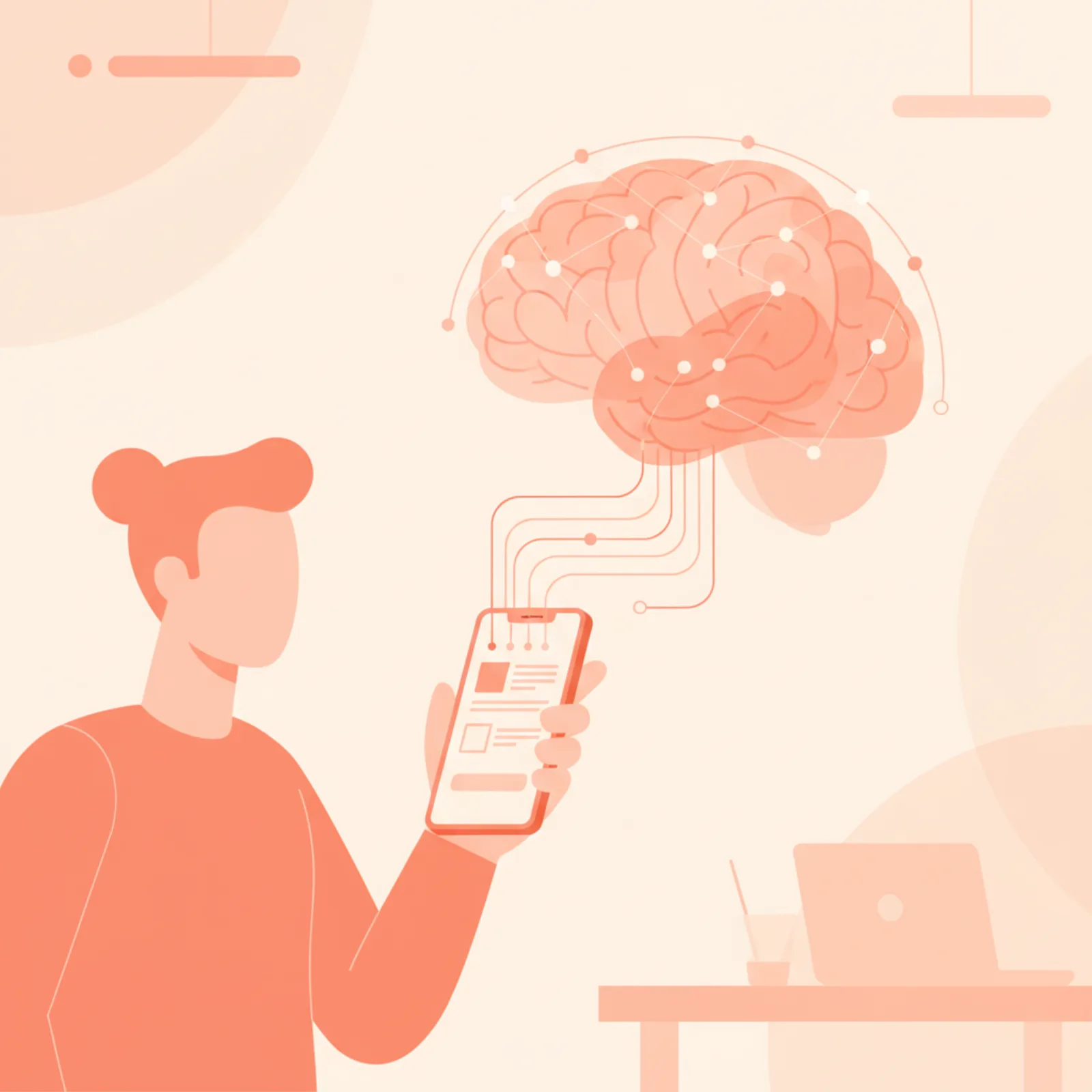
It's not about taking notes.
It's about remembering what matters.
Most people don't struggle with writing notes. They struggle with finding them later, acting on them, and staying organized when meetings happen across WhatsApp, Zoom, Uber rides, and back-to-back calls.
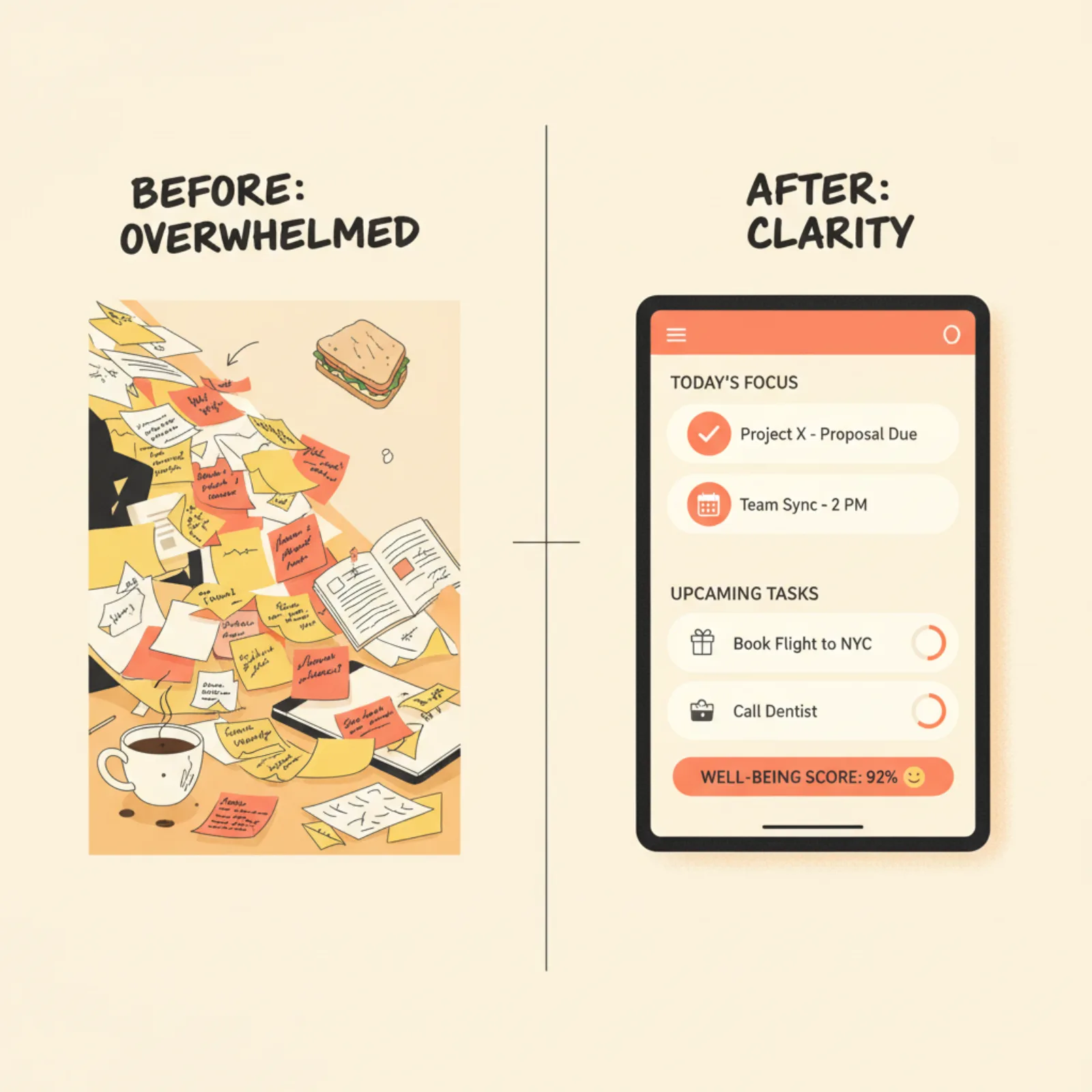
If your work depends on conversations — this is for you.
Whether you work independently or manage a distributed team, Meetings Brief adapts to your workflow naturally. Built for people who move fast and think in conversations.
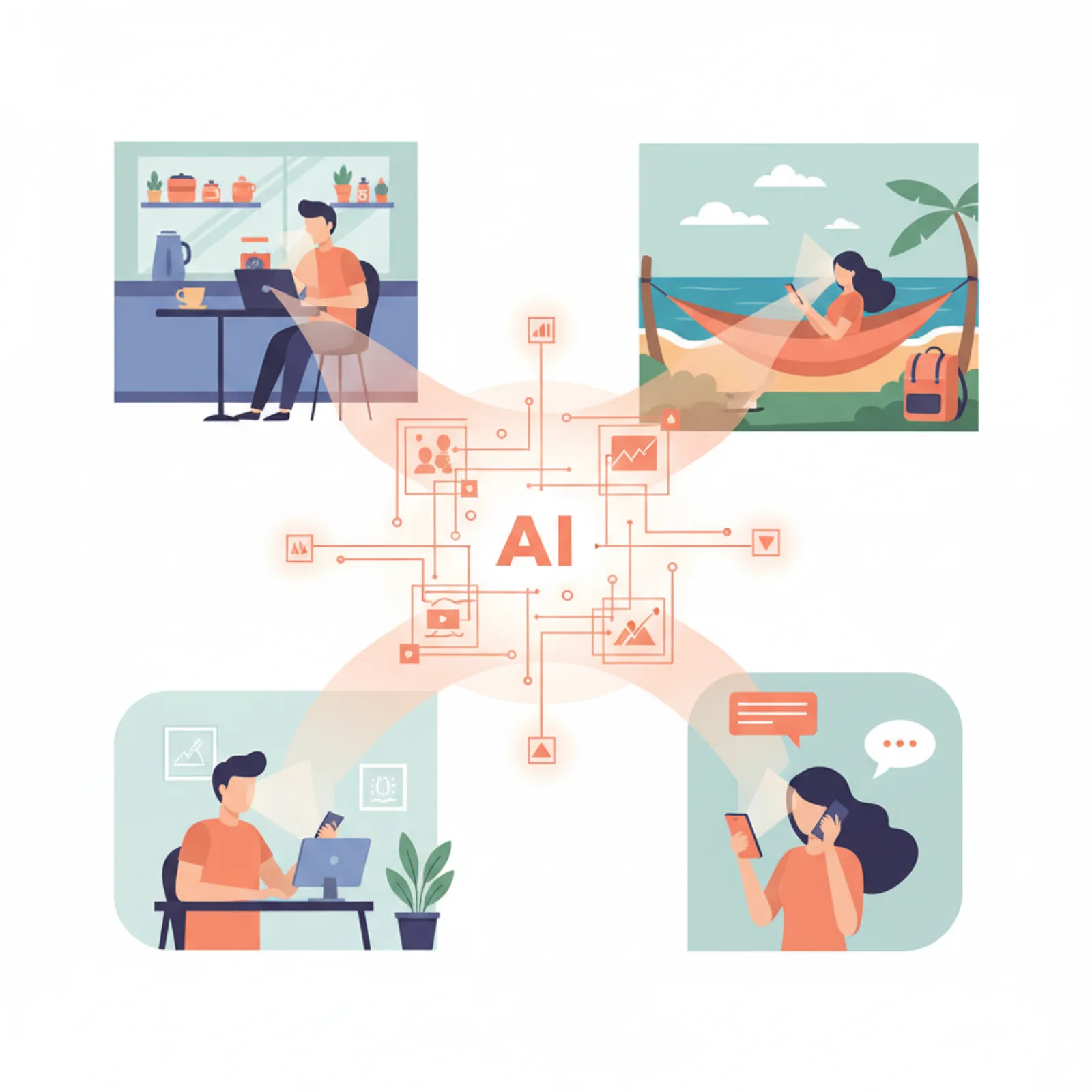
Desktop-first tools belong to an older way of working.
Today's professionals work between meetings, on Uber rides, during remote calls, from cafés, and across time zones. A true AI meeting assistant needs to work where people actually think — on mobile.

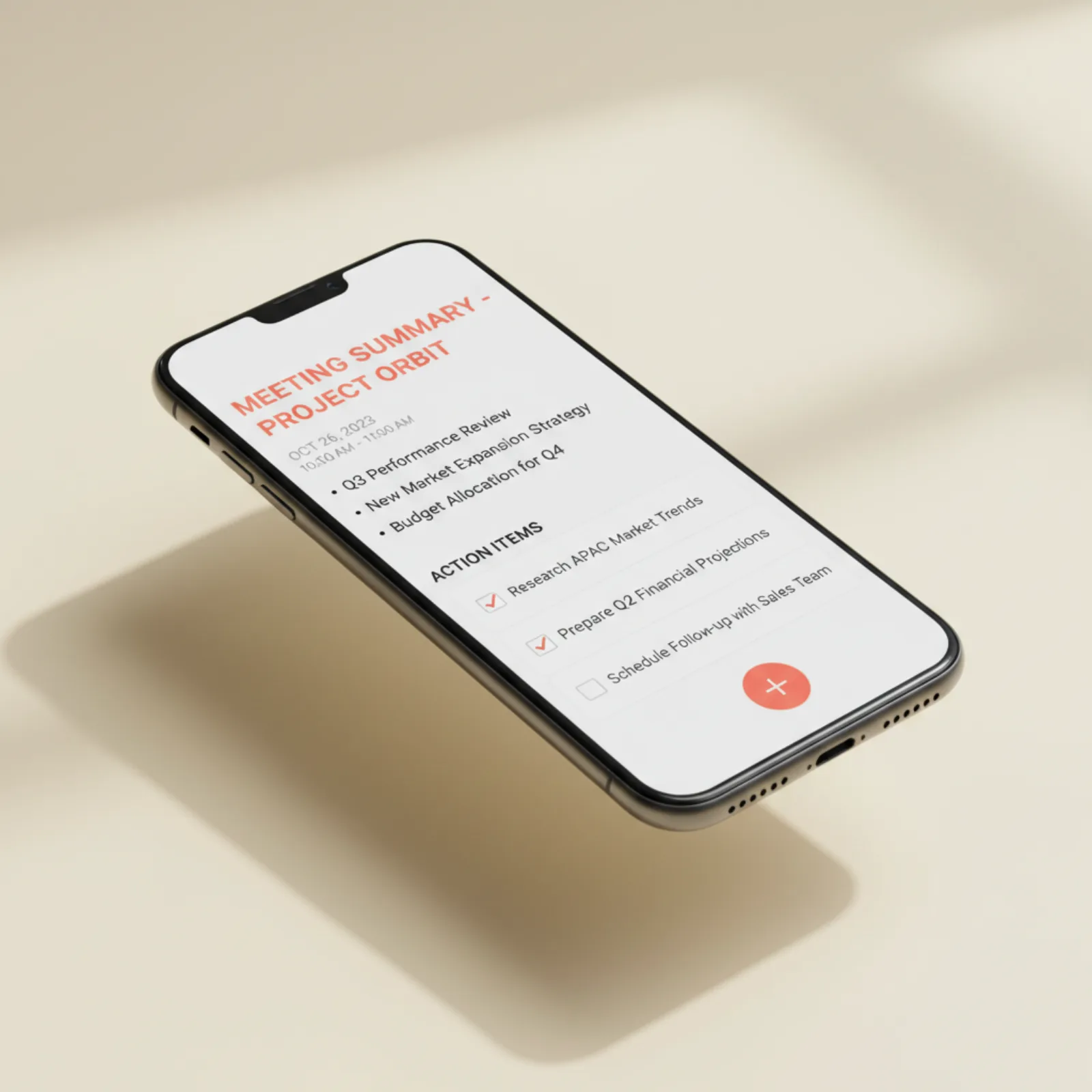
From raw notes to a clean follow-up email in one tap.
Choose from 6 summary styles — bullet recap, full minutes, action items only, founder mode, follow-up email, or interview notes. Share as a link, copy as Markdown, or download as a PDF.
Try Summary Generator →What it does, what it refuses to do, and who is paying
Your audio is never uploaded
This is the difference that matters most, and it is architectural rather than a policy promise. When you transcribe a recording on this site, a speech model is downloaded to your browser and runs on your own machine — using your GPU where WebGPU is available, and WebAssembly where it is not. The audio file is read from disk into memory and never sent anywhere.
Every cloud transcription service works the other way round: your recording is uploaded to their infrastructure, processed there, and retained under whatever their current terms say. That is a reasonable trade for many people. It is an impossible one if the conversation involves a patient, a client under NDA, an HR matter, or anything your employer has not approved a third-party processor for. Those meetings are precisely the ones nobody transcribes today, because the only available tools require handing the recording over.
The practical costs of doing it locally are real and worth stating plainly: the model is a one-off download of roughly 40 MB, the first run is slower than a server would be, and a very long recording will take longer on a laptop than in a data centre. In exchange there is no upload, no account, no minute limit and no retention policy to read.
What it will not do
It does not join your calls. There is no bot that appears in the participant list of a Google Meet or Zoom call, and adding one is not on the roadmap as a quiet background feature — a tool that silently attends meetings on your behalf raises consent questions that deserve a deliberate answer, not a toggle.
It does not sell or share your notes, and it does not train models on them. It does not run ads. There is no paid tier, which means there is also no feature being held back from you to create one.
And it will not pretend that an AI summary is a transcript. A summary is a compression, and compressions lose things. The full text is always kept alongside the summary and is always downloadable, because the moment you need to check exactly what somebody committed to is the moment a summary is least useful.
Why it is free, and who pays for it
Meetings Brief is built and funded by the Kindness Community Foundation (KCF LLC) in Newport Beach, California, which makes free software tools available in 47+ countries. There is no venture funding to return, so there is no point in the future where the free tier has to be squeezed to justify a valuation.
This is worth being sceptical about, so here is the check that actually settles it: the expensive part of a transcription business is the servers doing the transcription. Running the speech model in your browser instead means the marginal cost of one more person transcribing one more meeting is close to zero. The economics are what make "free" a design consequence rather than a marketing line.
Where it fits against the alternatives
If you need a bot that joins every call on your calendar, records it, and posts a summary to Slack automatically, use Fireflies or something like it — that is what those products are for, and this is not trying to be one.
If what you need is to take a recording you already have, or a set of rough notes, and turn it into something structured without sending it to anyone, that is the case this is built for. The comparison of the free options goes through the trade-offs in more detail, including where this tool loses.
Common questions
Is Meetings Brief actually free, or is there a paid tier later?
It is free with no paid tier to upgrade to. Because the speech model runs in your browser rather than on a server, the marginal cost of one more person transcribing one more meeting is close to zero — so there is no cost curve that eventually forces a paywall. It is paid for by KCF LLC’s commercial products, not by venture capital that has to be returned.
Is my meeting audio uploaded anywhere?
No. Transcription runs entirely in your browser using WebGPU where available and WebAssembly where it is not. The audio file is read into memory on your own machine and never transmitted. This is a property of how the tool is built, not a policy that could be changed in a future terms update.
Does it join my Google Meet or Zoom calls like Otter or Fireflies?
No. There is no bot that appears in your participant list. You transcribe a recording you already have, or capture notes during and after the call. If an automatic bot joining every calendar event is what you need, a bot-based product is the right choice.
Do I need an account?
No. A workspace is created for you when you open the app and your notes save immediately. Adding an email address is optional and does one thing: it makes the same notes reachable from another device. Existing notes carry over — nothing is lost.
How accurate is the transcription?
It uses Whisper, the same family of model most commercial services are built on, so accuracy is broadly comparable on clear audio. Two things affect the result far more than the software: how close the microphone is to whoever is speaking, and whether people talk over each other. Crosstalk is the largest single cause of garbled transcripts and it affects every engine equally.
Which browsers does it work in?
Notes, summaries and search work everywhere. File transcription needs WebAssembly, which covers current Chrome, Edge, Firefox and Safari on desktop. Live dictation uses the Web Speech API, which in practice means Chrome or Edge on desktop and Android.
Can I get the full transcript, or only a summary?
Both, always. The complete text is kept alongside the summary and can be downloaded. A summary is a compression and compressions lose detail — the moment you need to check exactly what somebody committed to is the moment a summary is least useful.
Great ideas shouldn't disappear.
Free. No credit card. No download. Open it on your phone and start your first meeting in under 30 seconds.
Open Meetings Brief — free →A free public service by KCF LLC, Newport Beach, CA · No paywall